Flying Roadster AI

Your car. Above the traffic.

Turn one car photo into a fictional flying-car MP4. Add an optional adult driver portrait. Preview free; sign-in and paid credits required for your own video.

Your car · required

Driver · optional

JPG, PNG or WebP · up to 3 MB each · at least 340 px on the short edge

10 sec · 720p · 16:9Audio requested

— credits

Confirmed technical failures return your credits. A new generation uses new credits.

What is Flying Roadster AI?

Flying Roadster AI turns a car photo into a fictional flying-car short. The prepared Traffic Escape scene starts in a jam, cuts to a flight button and shows the car lifting over traffic and returning to an open road.

Use your own vehicle as the visual reference. A driver portrait is optional. There is no timeline to edit and no prompt to write; vehicle details, identity, camera motion and sound can still vary in AI output.

Read what the generator does

What does the current video setup include?

Photos
1 car photo · optional adult driver
Requested output
10 seconds · 720p · 16:9 MP4
Sound
Audio requested
Per generation
10 credits
Credit pack
$9.99 USD · 10 credits · one-time

These are the currently published settings and listed pack price. Review the live quote before generating; the example film is a separate, existing sample. Generation timing and visual quality are not guaranteed.

How it works

  1. Add your car

    One car photo. Optional driver portrait.

  2. Make the escape

    A prepared scene. No prompt to write.

  3. Keep your film

    Follow progress and download your MP4.

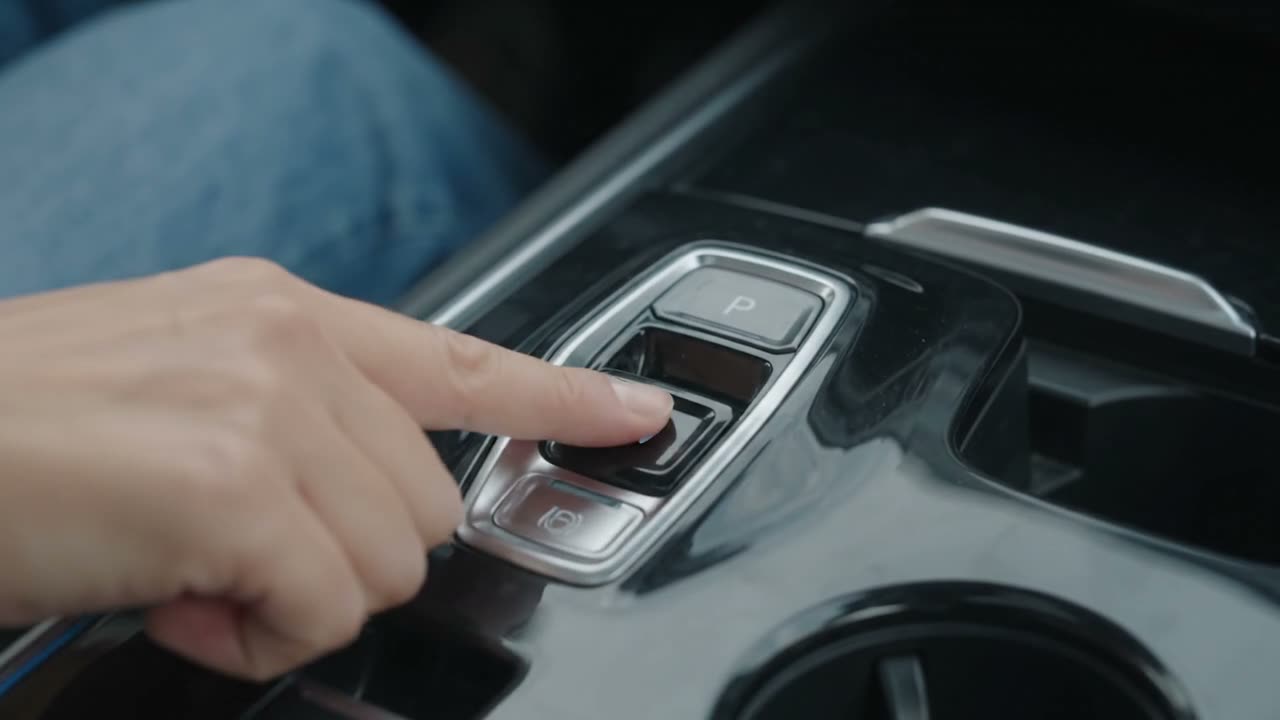
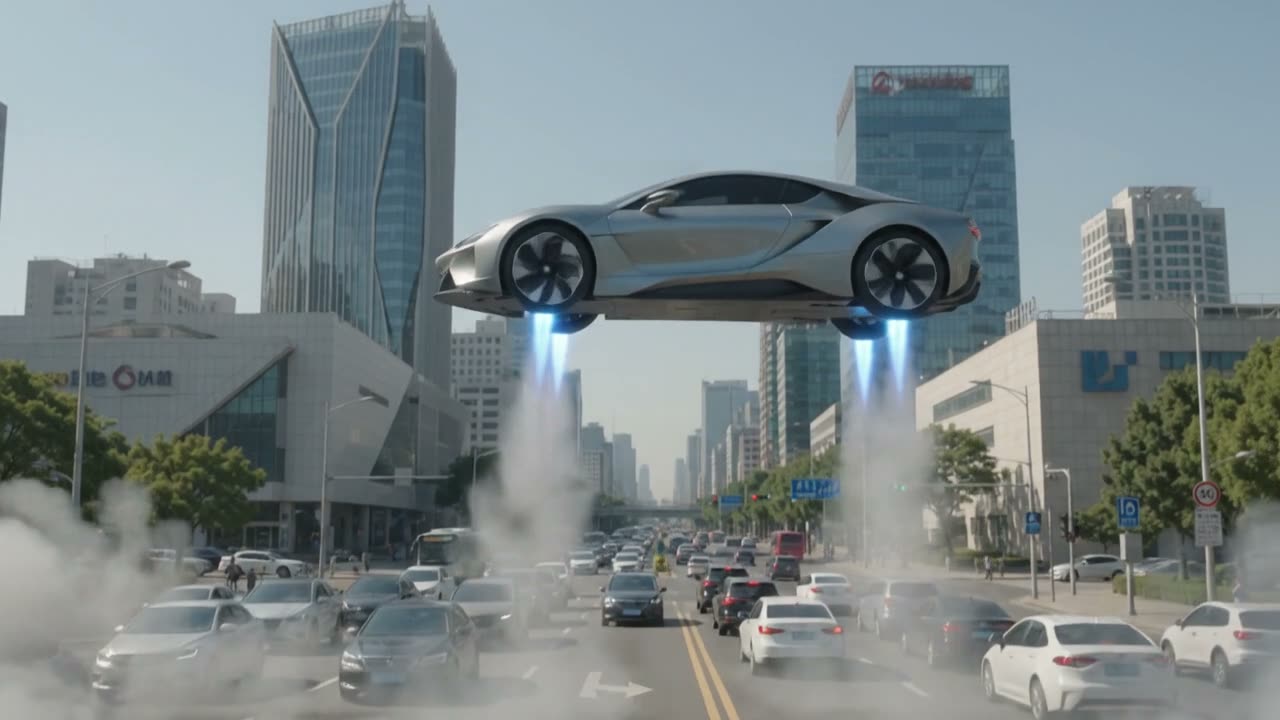
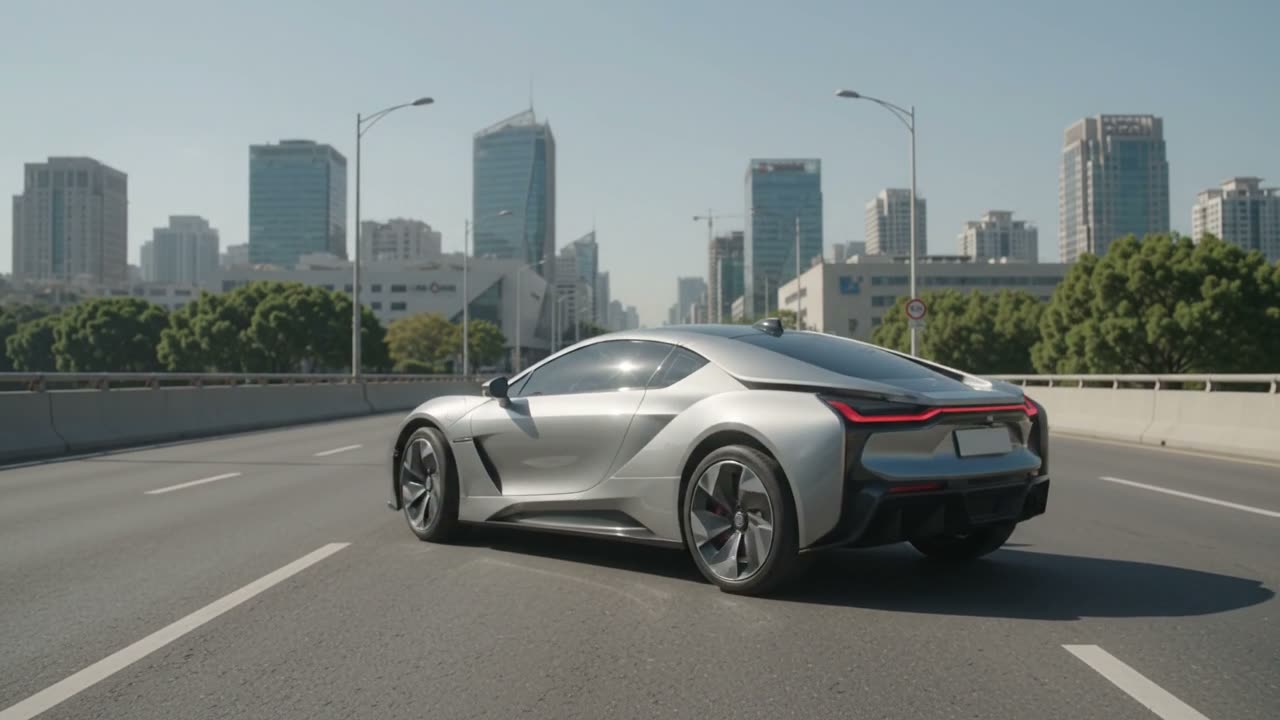
The escape, in four moments.

Frames from the same supplied preview: waiting in traffic, a flight button, lift-off and an open road beyond the jam.
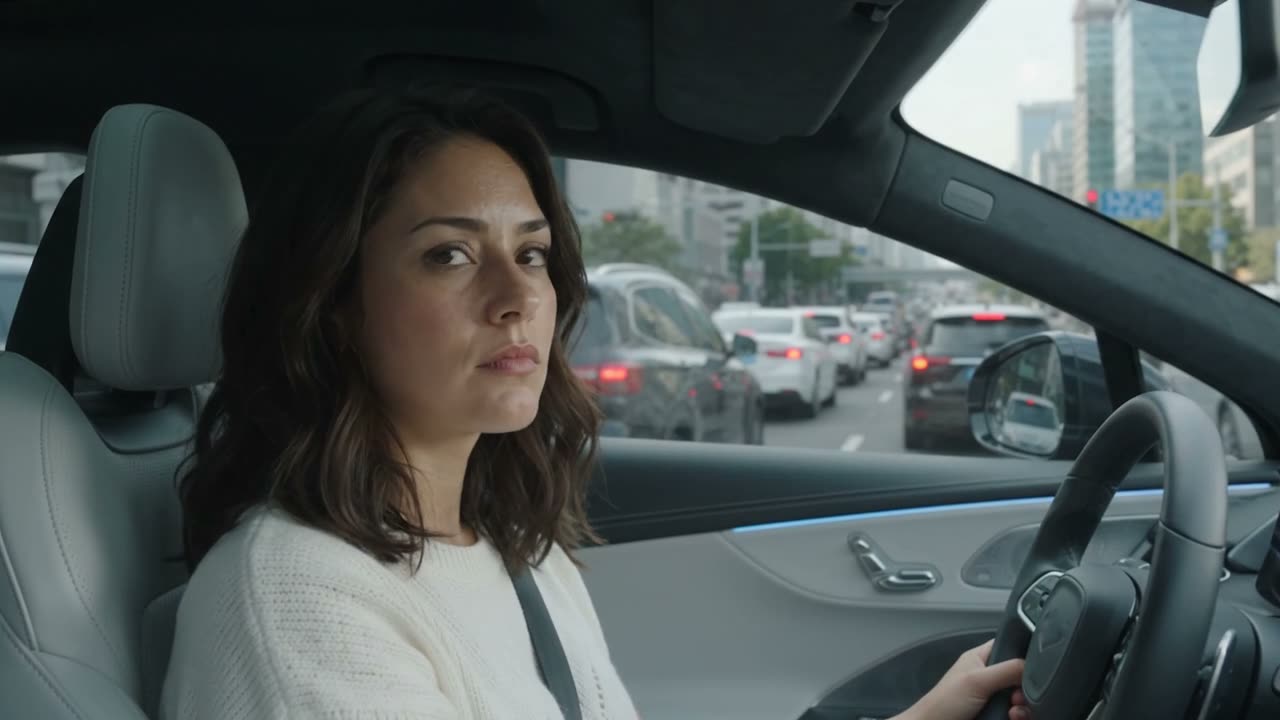
A car waits among the traffic before the escape begins.
Stuck in traffic

A car waits among the traffic before the escape begins.

A brief cabin insert sets the flight in motion.
Press for takeoff

A brief cabin insert sets the flight in motion.

The car rises with its body and wheels still visible.
Lift above the road

The car rises with its body and wheels still visible.

After the flight, the car continues on an open road.

Leave the jam behind

After the flight, the car continues on an open road.

Watch the sample and read its breakdown

Which car photo works best?

A sharp front three-quarter photo gives the model a view of the body, headlights and wheels. Keep the complete car in frame.

Follow the full photo-to-video guide
  • Show the whole car

    Use even light and a sharp original photo. Avoid cropped bumpers, covered wheels, heavy filters or several overlapping cars.

  • Add a driver only if you want to

    The second upload is optional. Use one consenting adult with a visible face. Without a portrait, the scene does not target a specific driver identity.

  • Check the file before you start

    Use JPG, PNG or WebP, at most 3 MB per photo and at least 340 pixels on the short edge. The upload checks dimensions and file type; it does not certify that the car is recognizable.

Make a fictional escape with your own car.

Everyday cars welcome

The input is your own car reference. You do not need a Tesla or an expensive roadster. The generated flight is a fictional visual effect.

A short to save and share

Download the MP4 and label it as AI-generated when sharing. Exact logos, plates, mechanical engineering and real-world flight are not guaranteed.

One escape. One-time credits.

A 10-credit pack. No subscription. Watching the preview is free.

The current Traffic Escape setup uses 10 credits for a requested 10-second video.

$9.99

10 credits

Start with your car

Listed launch price. Purchasing opens when generation and payments are ready. Confirmed technical failures restore credits.

Flying Roadster AI questions

Make a video

Yes, the photo workflow uses your car as a visual reference for a fictional flying-car scene. It does not add flight capability to a real car, and exact appearance can vary.

Before your car takes off.